


Download UserBenchmark – PC Performance, Hardware Analysis, System Evaluation
Overview
UserBenchmark is a portable application designed to deliver rapid and insightful performance evaluations of computer hardware. The app enables users to assess the capabilities of their PCs across key categories such as gaming, work, and everyday use. By running a series of benchmark tests, UserBenchmark generates real-time data on system components including the processor, graphics card, memory, storage, and operating system. This information helps users understand how their hardware performs relative to industry standards and similar configurations. The tool is particularly useful for individuals seeking to optimize their system for specific tasks, identify bottlenecks, or determine whether hardware upgrades are necessary. While the app is primarily used on desktops and laptops, its lightweight, portable nature allows for easy deployment without installation. The developer did not provide additional technical details about the origin or background of the application. Despite this, UserBenchmark has established itself as a practical utility within the PC performance assessment ecosystem. It serves both casual users and tech-savvy individuals who want a straightforward way to evaluate their system's health and performance. Real-world use cases include pre-purchase evaluations, troubleshooting performance issues, and benchmarking for gaming or content creation workloads. Its ability to deliver web-based results enhances accessibility, making it a valuable tool for users across different technical skill levels.Key Features & Functionality
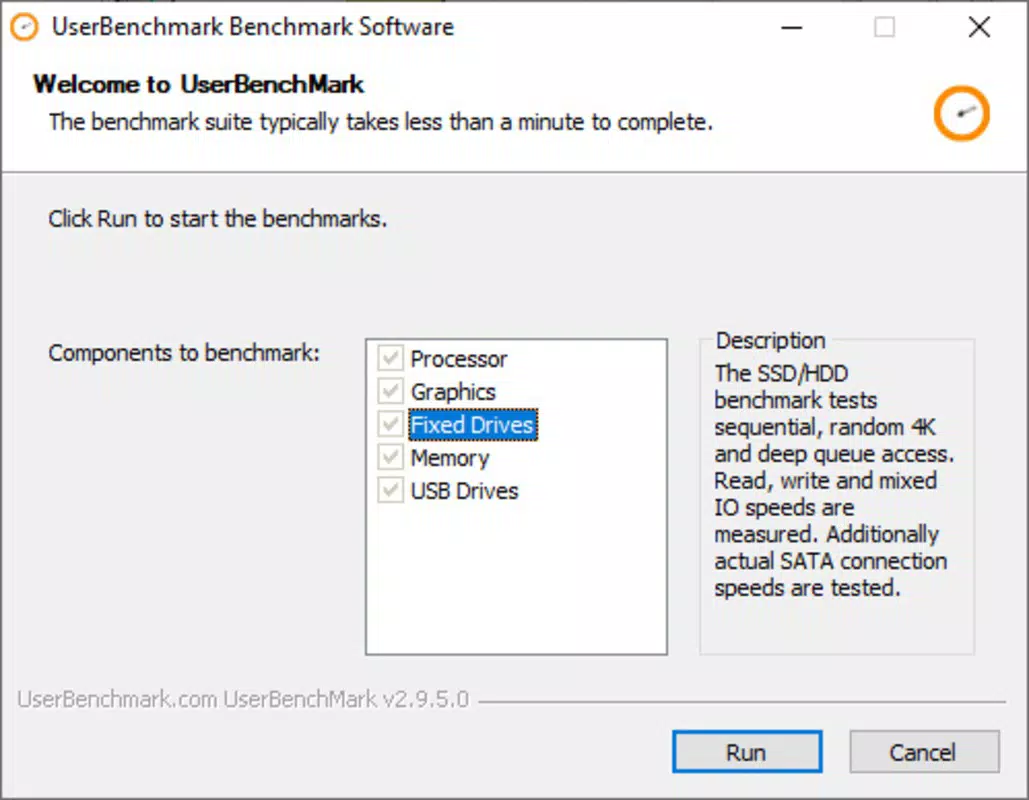
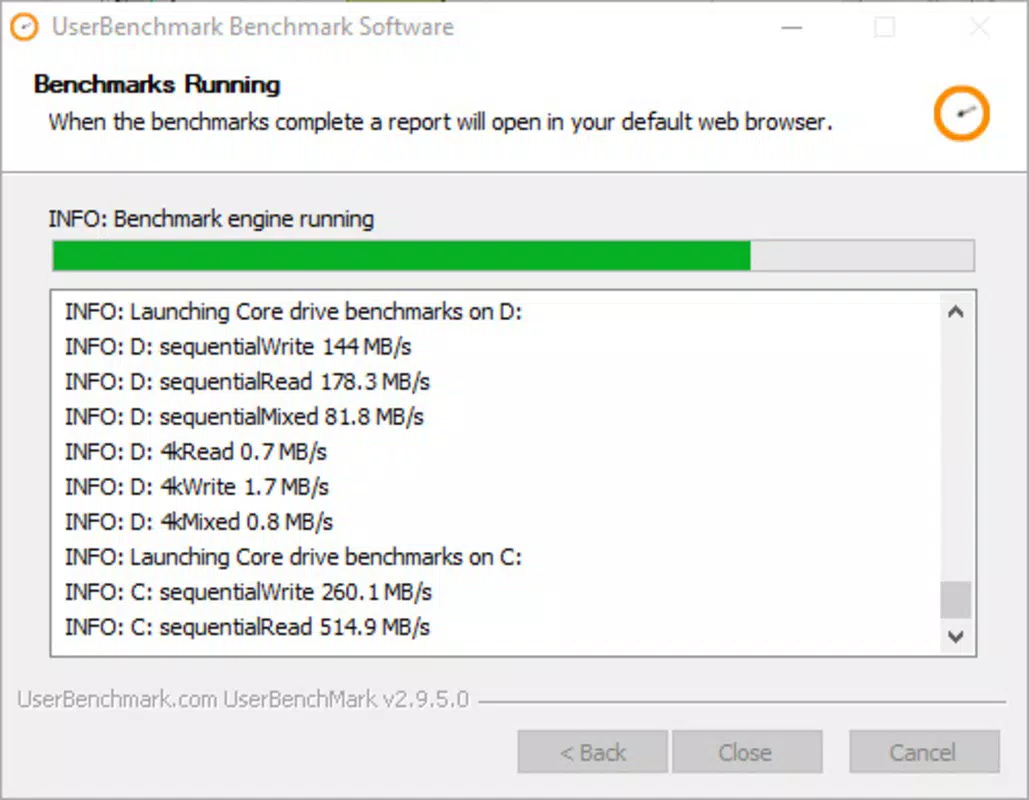
UserBenchmark offers a streamlined set of features focused on hardware performance analysis and comparative evaluation. The primary function is the ability to launch performance tests instantly upon opening the application. Unlike traditional software, it operates as a portable tool, eliminating the need for installation and allowing users to run diagnostics from a USB drive or local folder. Once initiated, the app conducts a series of tests across core system components, including CPU, GPU, RAM, and storage. The results are presented through a web-based interface, ensuring compatibility across devices and operating systems. This interface delivers performance percentages tailored to different usage scenarios—gaming, productivity, and general computing—making the data accessible even to non-technical users. Another key feature is the detailed strengths and weaknesses analysis, which identifies underperforming components and highlights areas where hardware excels. This insight supports informed decisions about system optimization or upgrades. Additionally, the app enables users to compare their hardware configuration against thousands of other systems with similar specs, leveraging a large dataset of user-submitted results. This comparison feature provides context for performance rankings and helps users understand where their PC stands in the broader hardware landscape. Each result includes comprehensive breakdowns of component status, OS version, and overall system health. These features collectively empower users to make data-driven decisions about their computing environment.Real-World Use Cases
- Assessing a PC’s readiness for gaming or video editing before purchase.
- Identifying hardware bottlenecks affecting system responsiveness.
- Validating performance improvements after a hardware upgrade.
- Comparing a new laptop’s performance against existing models in the same category.
- Providing technical documentation for troubleshooting or support requests.
Interface, UX & Performance
The user interface of UserBenchmark is built around a web-based dashboard that loads after the performance tests complete. This design choice ensures consistent visual presentation across different devices and operating systems. The layout is clean and organized, with color-coded indicators highlighting performance levels—green for strong, yellow for average, and red for weak. Navigation is intuitive, allowing users to expand sections for deeper insights into individual components. While the developer did not list formal performance metrics, the app is designed to run tests quickly and efficiently, minimizing system resource usage during execution. The application’s portable nature contributes to its stability, as it does not modify system settings or registry entries. Responsiveness is maintained across various device categories, including low-end and high-end systems, though specific performance benchmarks were not disclosed. The web-based output ensures that users can access results from smartphones, tablets, or desktops without requiring additional software. Although the developer did not specify minimum OS requirements, the app appears to function on modern Windows environments. Users have reported smooth operation during testing phases, with minimal lag or crashes. Overall, the UX prioritizes clarity and speed, aligning with the tool’s purpose of delivering fast, actionable insights. The lack of a traditional install process also reduces setup friction, enhancing usability for a broad audience.Platform Compatibility & Technical Requirements
UserBenchmark is designed for use on Windows-based systems, though the exact operating system version was not specified. The application is distributed as a portable executable, meaning it does not require installation and can be run directly from a USB drive or local directory. The file size is reported as 14.5 MB, indicating a lightweight footprint that minimizes storage impact. Specific hardware requirements were not listed by the developer, but the app’s portable nature suggests compatibility with a wide range of devices, including older systems. The developer did not provide information about compatibility with mobile platforms such as Android or iOS. As such, it is not confirmed whether the app is available on smartphones or tablets. Users should ensure their system supports running portable executables and has an active internet connection to access the web-based results. The developer did not specify minimum RAM, CPU, or disk space requirements. Compatibility information was not fully disclosed, so users are advised to test the application in a safe environment before relying on it for critical assessments.Pros and Cons
- Portable design allows for quick deployment without installation.
- Fast, real-time performance testing across key hardware components.
- Web-based results are accessible from any device with internet access.
- Clear visual indicators make performance data easy to interpret.
- Provides comparative analysis against similar hardware configurations.
- Results are based on user-submitted data, which may introduce variability.
- No official mobile app version available for Android or iOS.
- Developer did not disclose specific system requirements or compatibility details.
- Performance testing may not reflect real-world usage under heavy workloads.
- Web interface requires an internet connection to view full reports.
FAQ
Is UserBenchmark safe to download and use?
UserBenchmark is a portable application that does not install system files or modify registry entries. It runs in a sandboxed environment, minimizing security risks. However, users should download the tool only from official sources to ensure authenticity.
Can I use UserBenchmark on a smartphone or tablet?
The developer did not specify mobile compatibility. The app is designed for Windows systems and does not currently have a version for Android or iOS. Results can be viewed on mobile devices via a web browser, but the testing process requires a desktop or laptop.
Do I need an internet connection to run the tests?
The performance tests can be run offline. However, the web-based results interface requires an internet connection to load and display full reports. Without connectivity, the results may not render properly.
How accurate are the benchmark results?
Results are based on a large dataset of user-submitted performance data. While the testing methodology is consistent, accuracy may vary slightly depending on system conditions, background processes, and hardware variations.
Can I update UserBenchmark manually?
Users can download the latest version from the official source. The app does not include an automatic update feature, so manual checks are recommended to ensure access to the most current testing algorithms and data.


